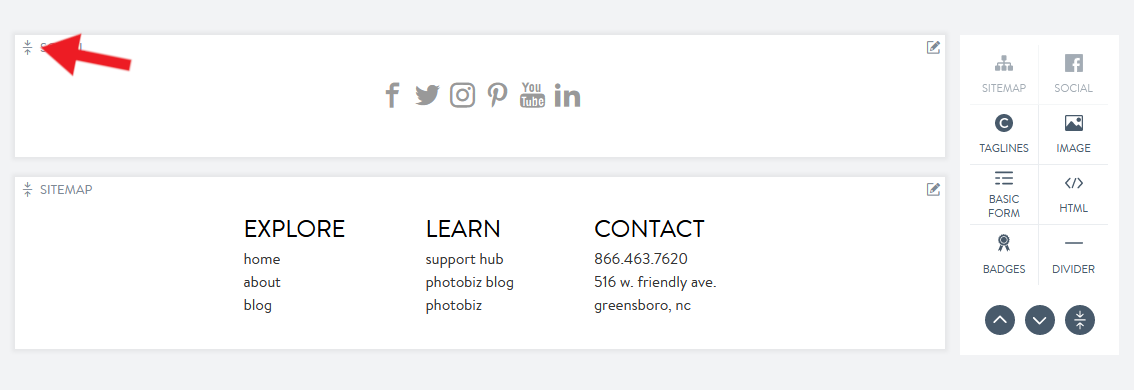
The footer lives at the bottom of your website and can contain general or legal information about your company. The footer can also include a newsletter sign-up, social media links, or contact information.
Update your footer by clicking on the footer tab listed beneath your navigation.

Build your footer by clicking on the blocks you want to add.
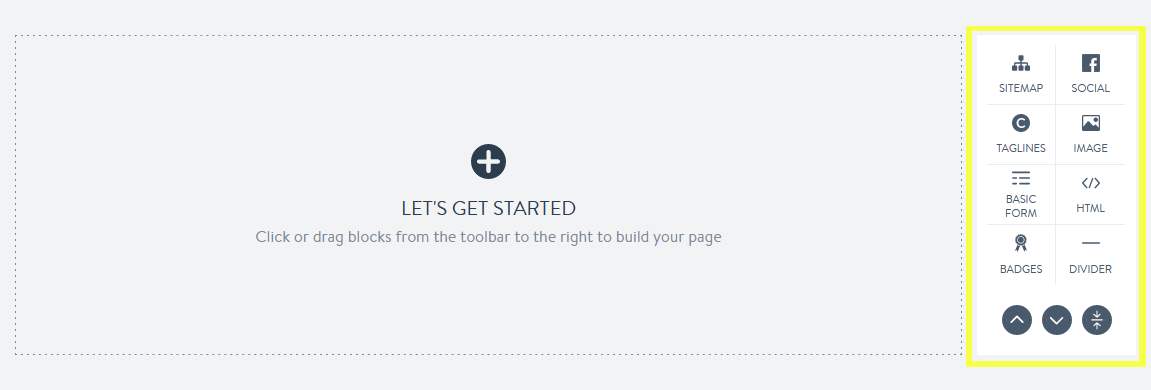
Adjust blocks by dragging and dropping them to your desired location. You can also drag and drop certain blocks to sit side-by-side.
Utilize shortcuts to scroll up and down the page or to collapse blocks.

Top: Eliminate scrolling and go to the top of your page.
Bottom: Eliminate scrolling and go to the bottom of your page.
Collapse all: Consolidate blocks to make navigating between blocks on your page easier. Open a block by pressing the expand icon.